We Stopped Shipping AI-Generated Code That Hasn't Been Verified. Here's How.

Marcello Cultrera
Founder, CodeFlow Lab
Watch the Demo
The Problem With "Generate and Hope"
Most design-to-code tools hand you the output and walk away.
You get a bundle of components. Maybe they compile. Maybe the types are right. Maybe the layout holds together. You won't know until you open the code, run it, and start debugging.
That's not a workflow. That's a lottery.
What We Built
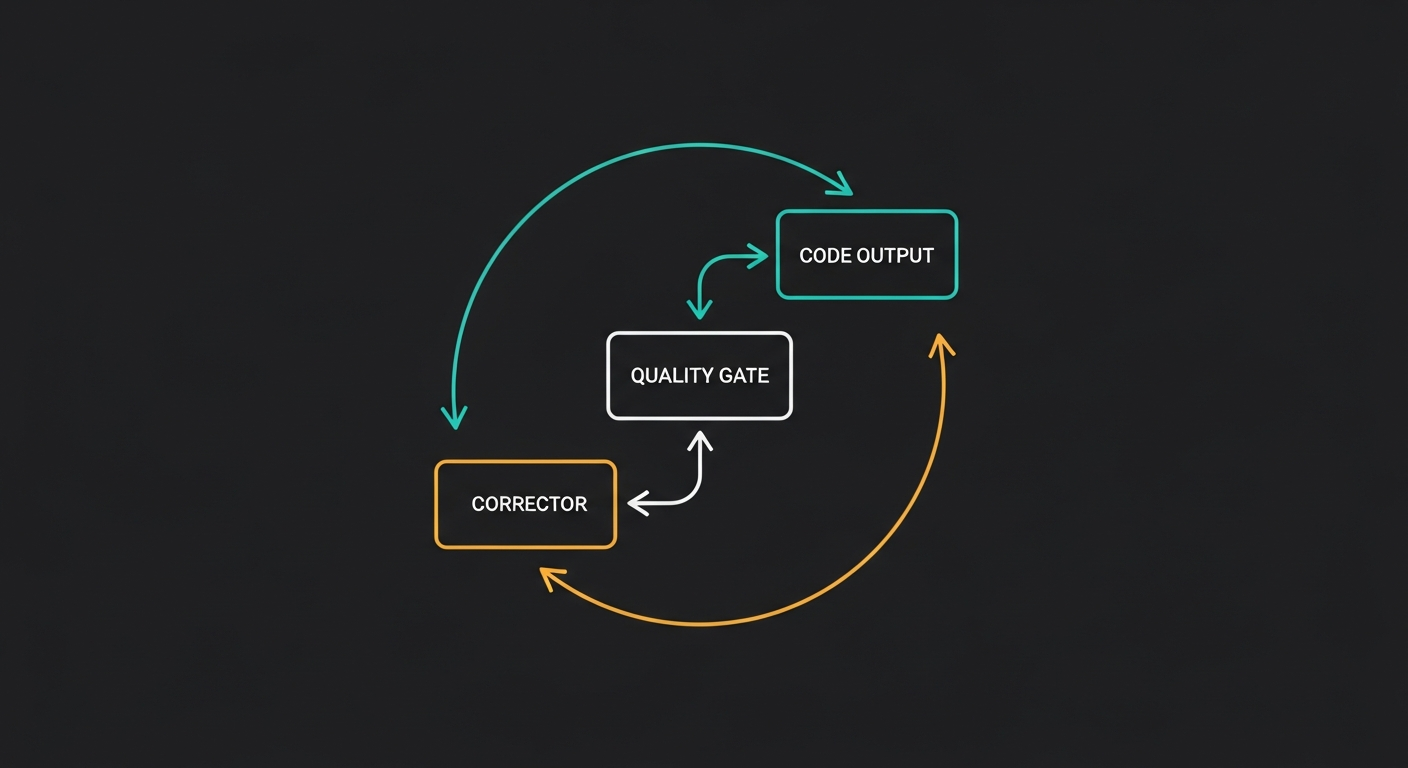
We've shipped a Self-Correcting Generation Loop — and it changes how every Figma-to-code conversion works inside CodeFlow Lab.
Here's what happens now, automatically, on every conversion:
All of this happens before the code reaches you.
No Developer Needed
The loop runs autonomously using CodeFlow Lab's agentic framework. It doesn't ask for help. It doesn't surface half-broken output. It either fixes the issue itself or tells you exactly what couldn't be resolved and why.
Every iteration is recorded — what errors were found, what the AI's reasoning was, what changed in the code, and how the score improved. This gives us clear before-and-after evidence of code quality improvement.
The Self-Correction Workspace
To make this visible, we've added a Self-Correction tab in the code editor.
Left Panel: AI Thinking & Score Timeline
Right Panel: Code Diff View
Clean Compilation State
Even when everything compiles perfectly on the first try, the tab still appears — with a green checkmark and a "Clean Compilation" message. This confirms the code was fully validated, not just generated.
This matters for trust. Users and stakeholders can see that every output went through the verification pipeline, whether it needed fixes or not.
Why This Matters
AI code generation without verification is just text prediction with extra steps.
The self-correcting loop turns CodeFlow Lab from a generator into a generator that proves its own output. That's the difference between a demo and a production tool.
What's Next
This is the foundation for deeper quality enforcement — design-token compliance checks, accessibility scoring per component, and cross-framework parity validation.
The goal isn't perfection on every generation. It's convergence — getting reliably closer to production-ready with every iteration, and being transparent about the journey.
marcello.cultrera@code-flow-lab.com
Comments (0)
No comments yet. Be the first to share your thoughts!
Previous Article
Design-to-Code Isn't Failing Because of Complexity. It's Failing Because of Coherence.
Next Article